ClientPoint Webhooks: Setup Guide
Webhook Setup
Setting up ClientPoint webhooks allows you to receive real-time notifications when specific events occur in your ClientPoint account. This guide will walk you through the setup process.
Enabling Webhooks in ClientPoint
To integrate webhooks into your system, follow these steps:
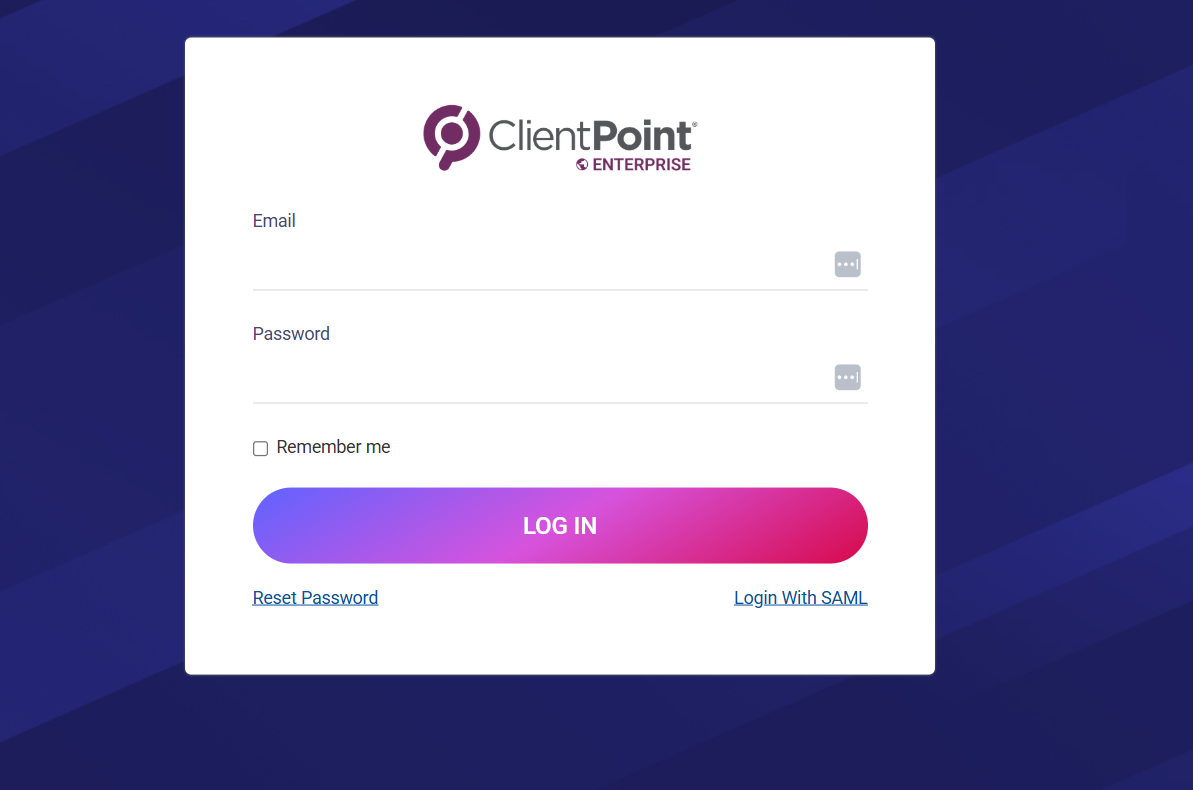
1. Log in to your ClientPoint account with administrative access
2. Navigate to Settings > Integrations
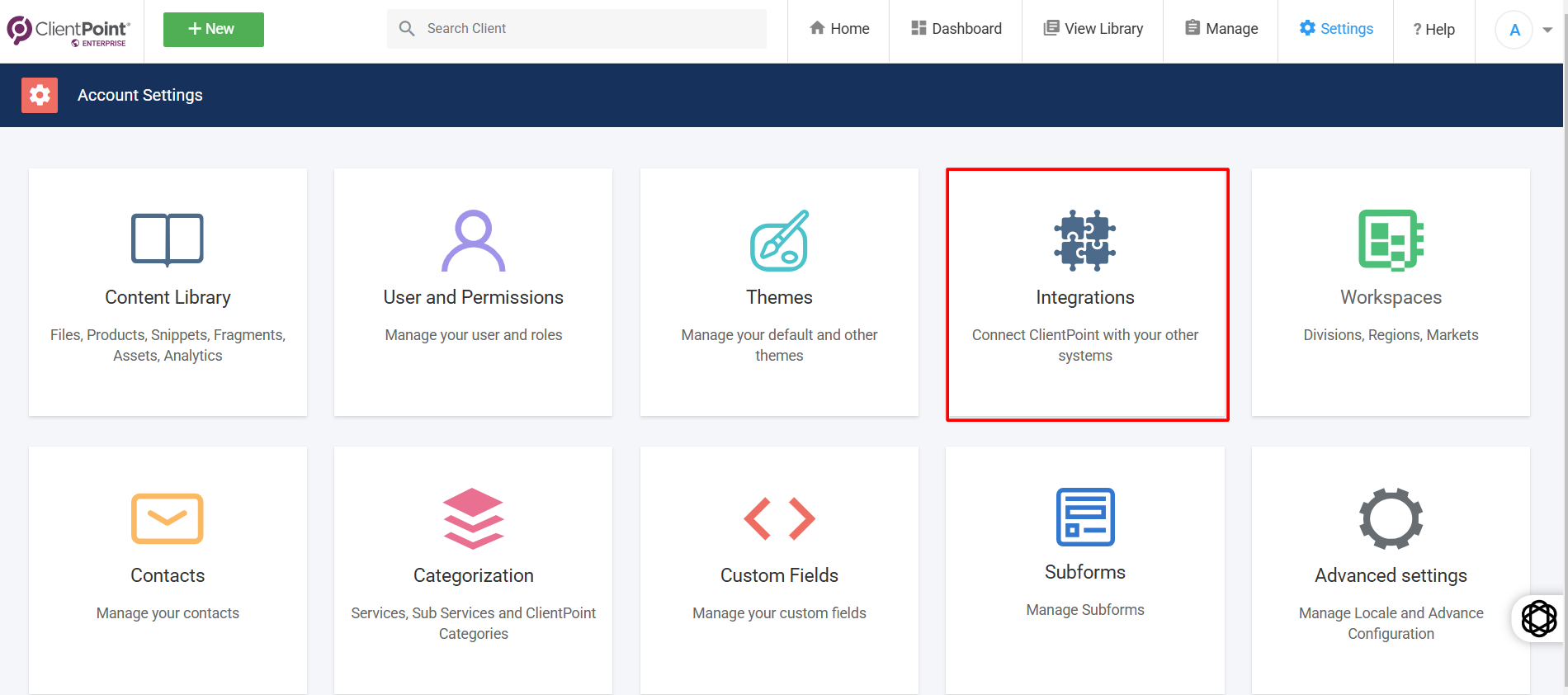
3. Scroll to the section labeled ClientPoint Webhook

4. Click Manage, then enter your webhook URL to receive event data

5. Click Submit to start receiving real-time event triggers
Need help with implementation? Contact the ClientPoint support team for assistance.